MkDocs Bootstrap Theme
This project provides MkDocs themes for the different Bootstrap themes provided by the Bootswatch project.
Installation & Usage
Install the collection of themes with pip, which is hopefully how you installed MkDocs.
pip install mkdocs-bootswatch
After installation is complete, edit your mkdocs.yml config file and set the theme to one of the following Bootwatch themes included. The full list is as follows:
- cerulean
- cosmo
- cyborg
- darkly
- flatly
- journal
- litera
- lumen
- lux
- materia
- minty
- pulse
- sandstone
- simplex
- slate
- solar
- spacelab
- superhero
- united
- yeti
For example:
theme: cerulean
Or:
theme: yeti
As with the base mkdocs theme, you can request alternate colors for the
navigation header. Allowed values are primary (the default), dark, and
light:
theme:
    name: cerulean
    nav_style: dark
Screenshots
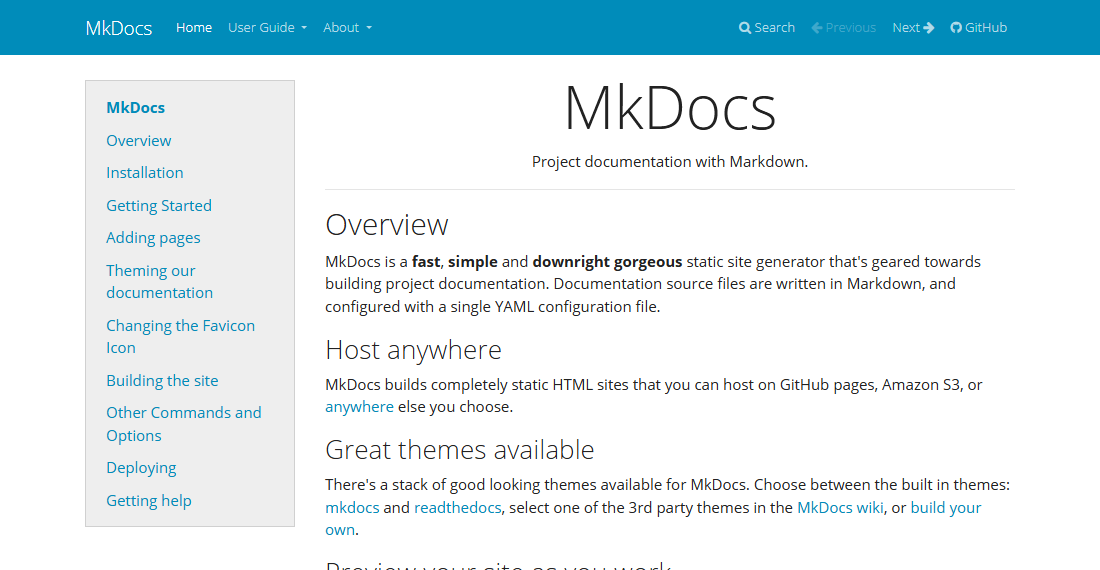
This documentation is rendered with the Bootswatch Flatly theme. Previews of the other themes can be seen below.
Cerulean
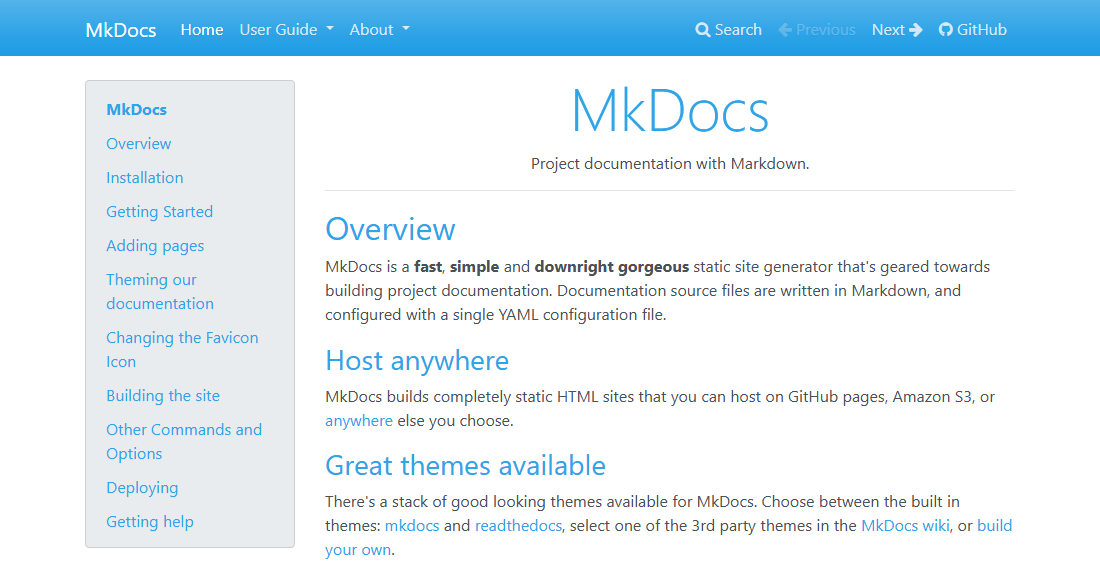
Cosmo
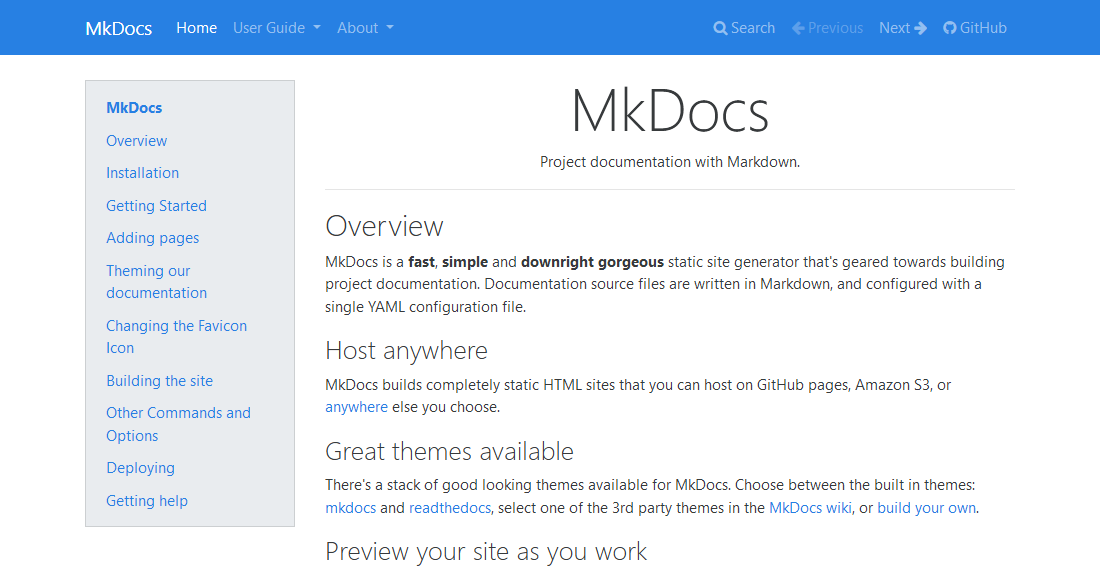
Cyborg
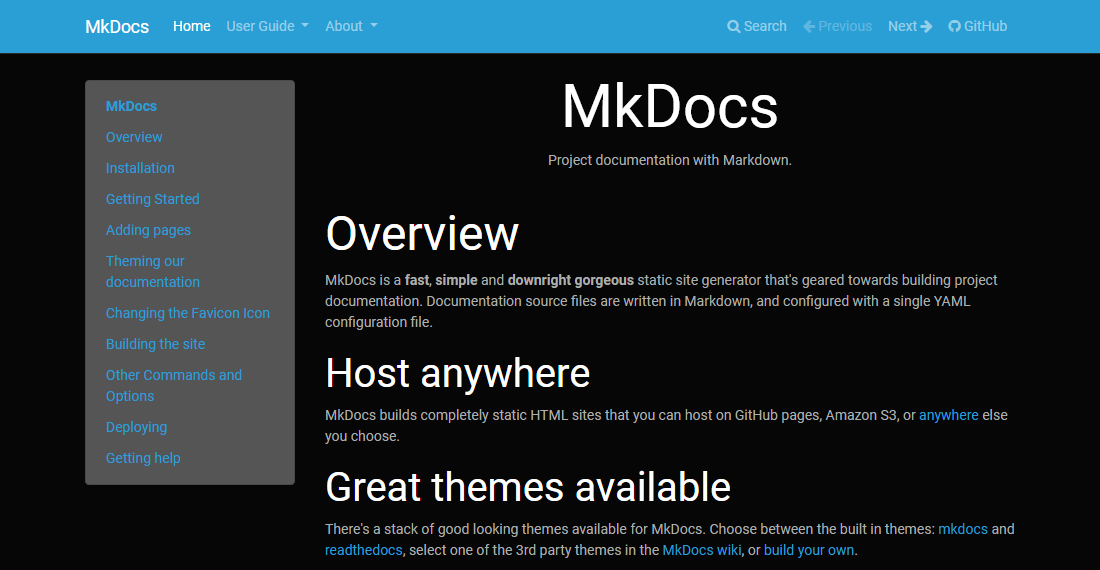
Darkly
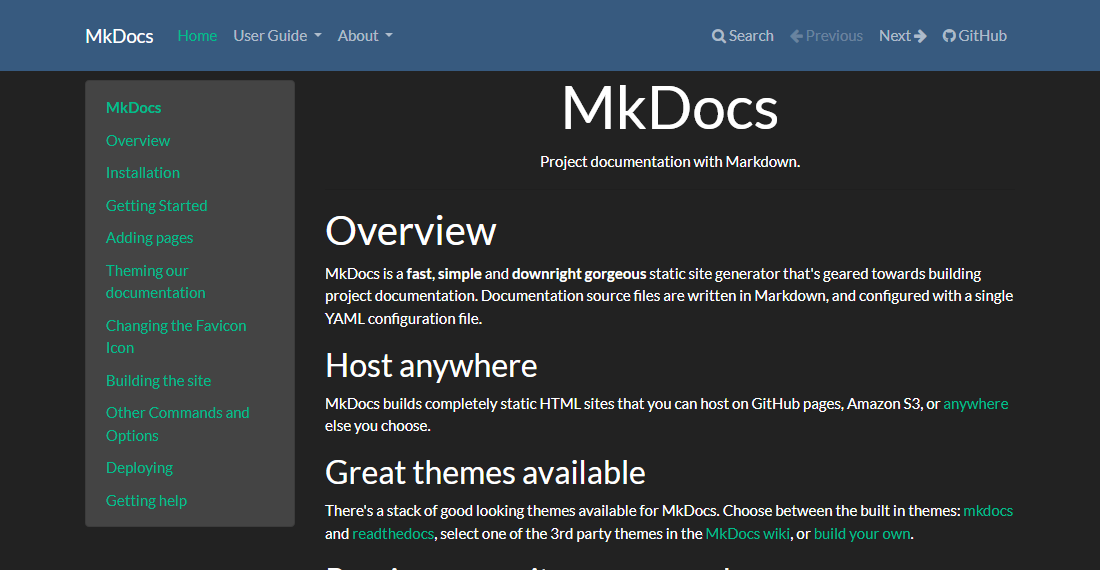
Flatly
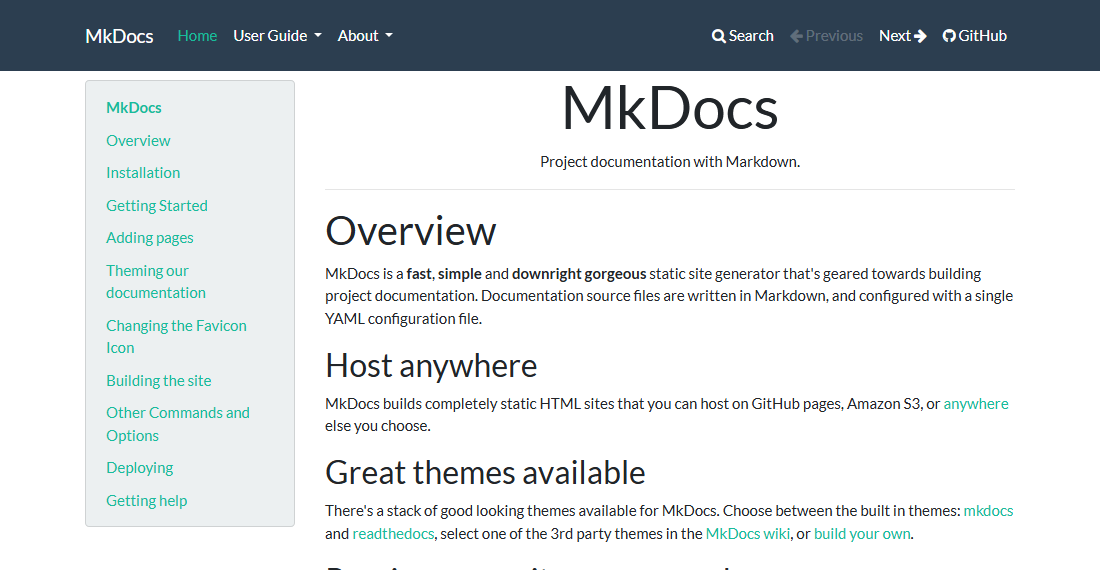
Journal
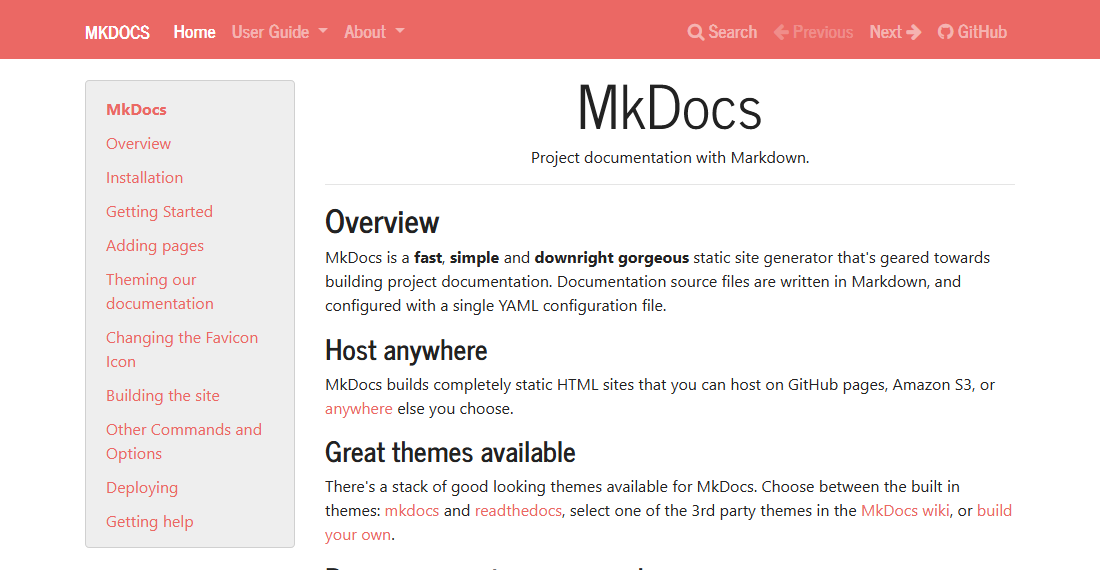
Litera
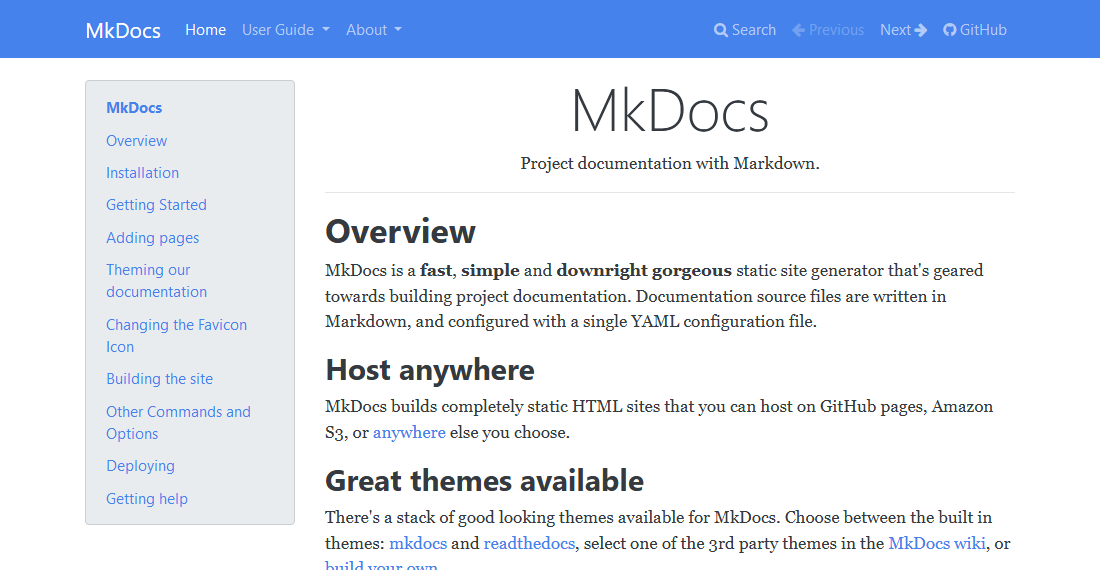
Lumen
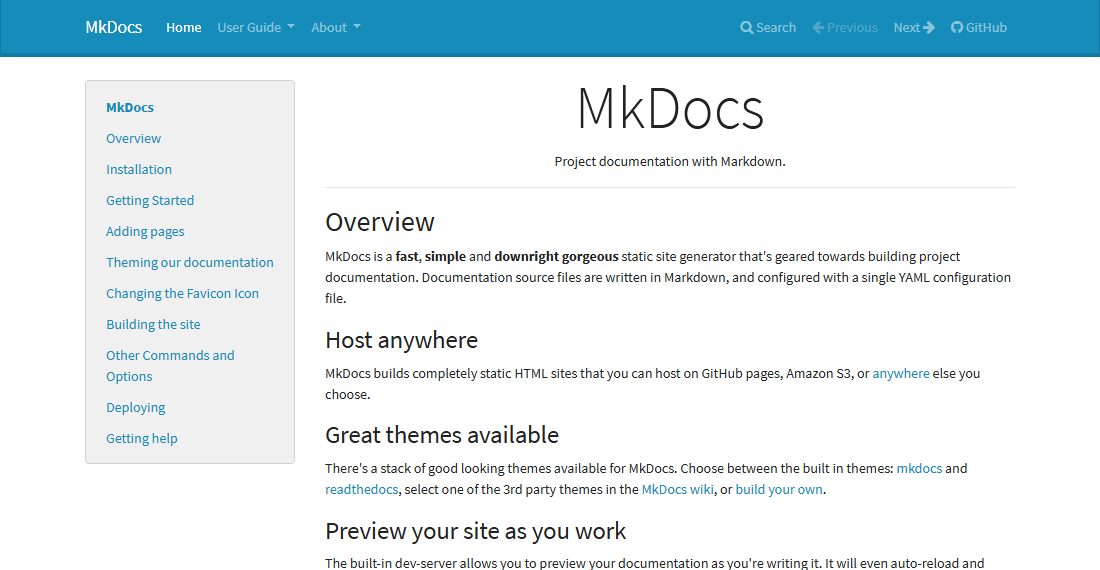
Lux
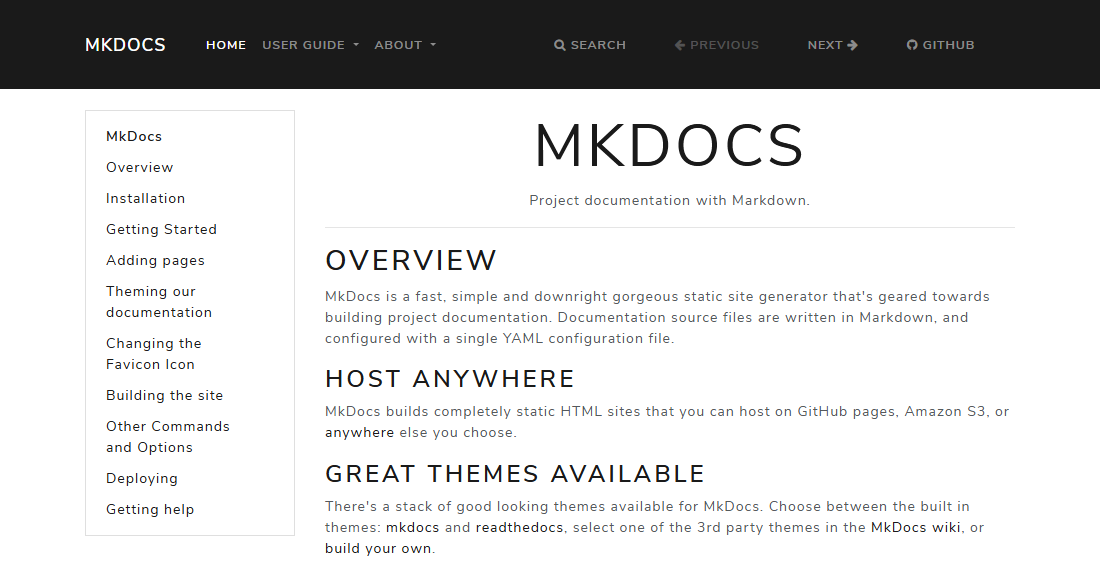
Materia
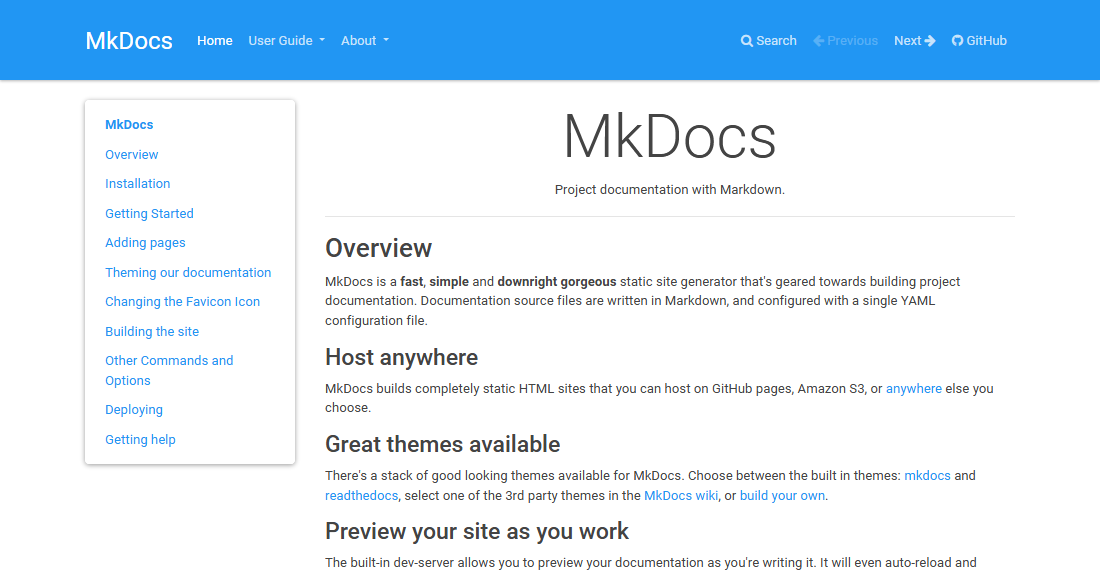
Minty
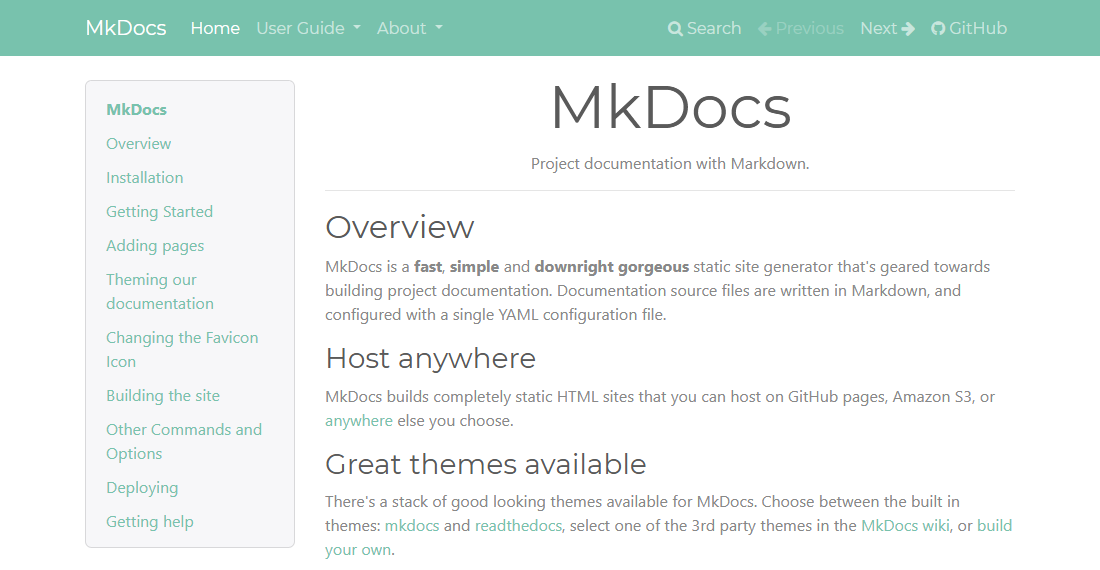
Pulse
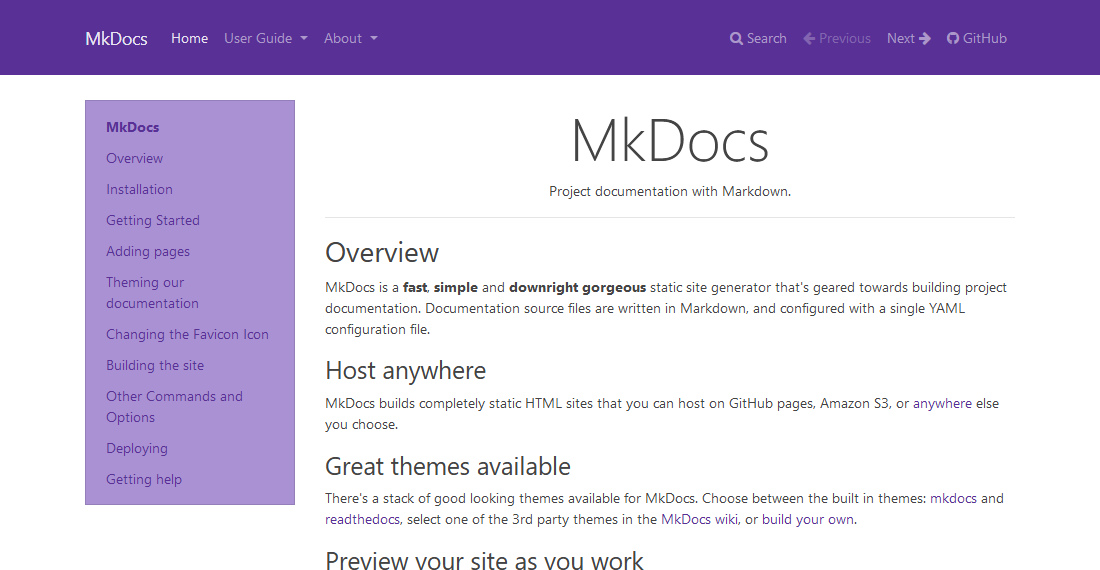
Sandstone
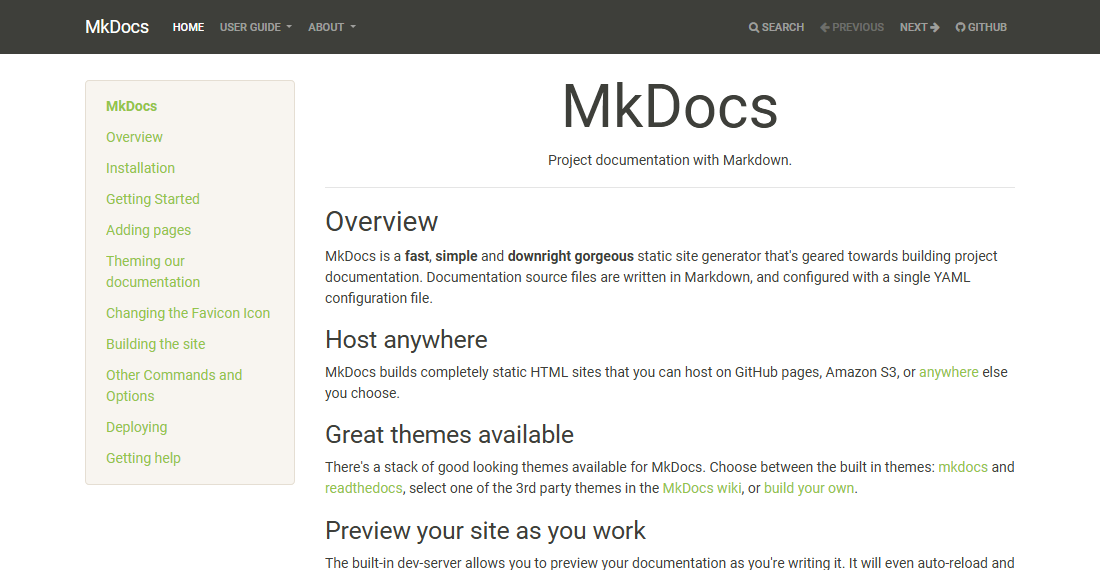
Simplex
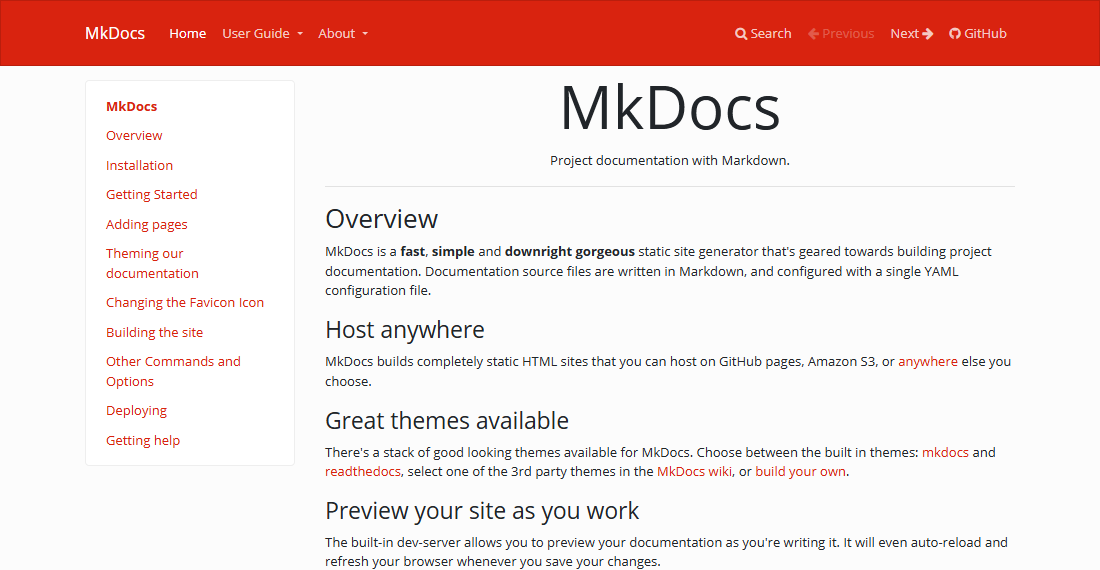
Slate
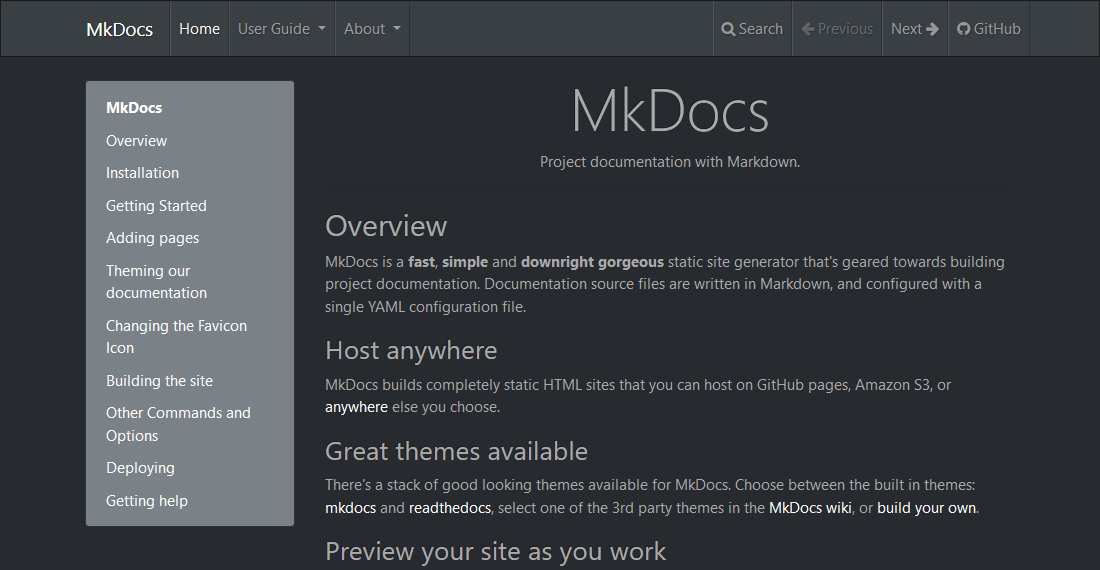
Solar
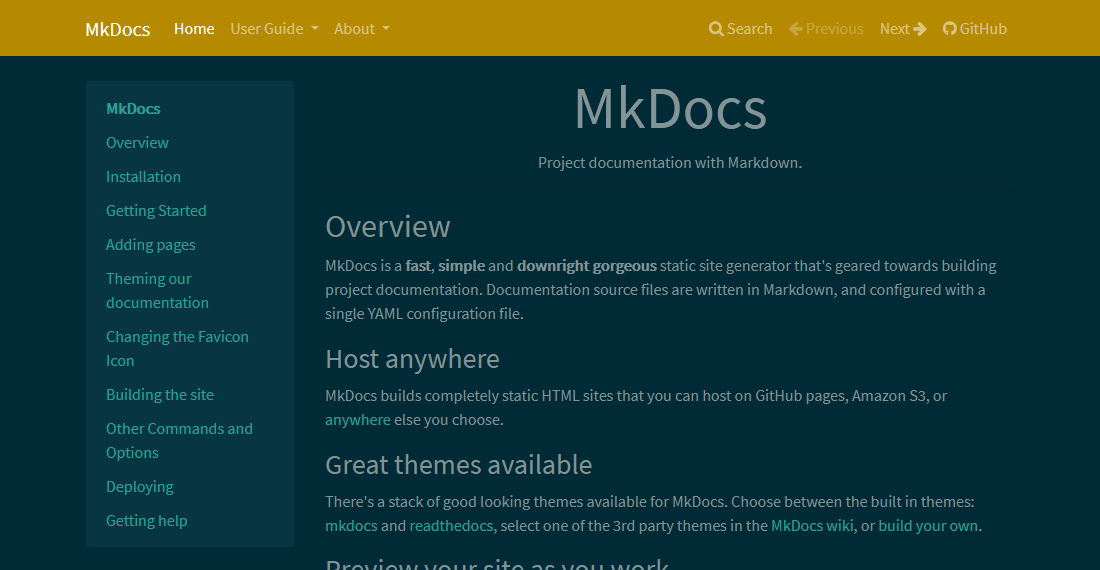
Spacelab
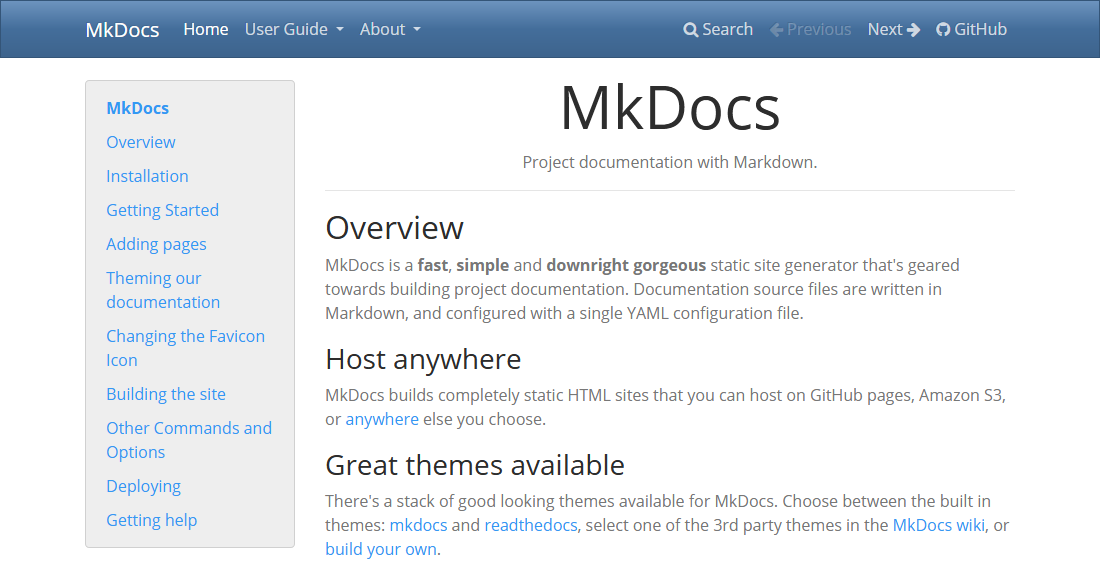
Superhero
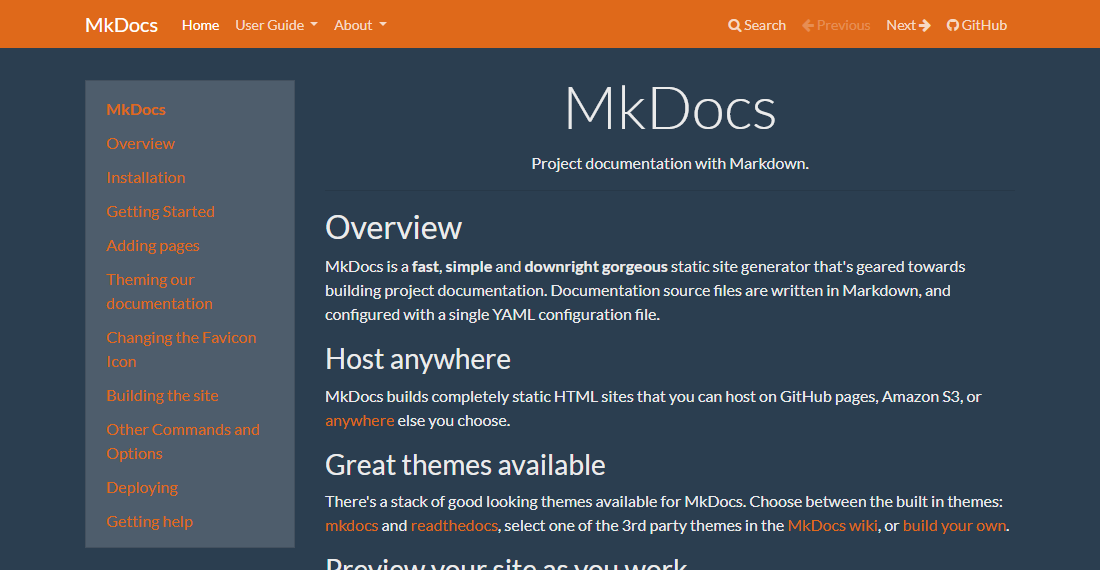
United
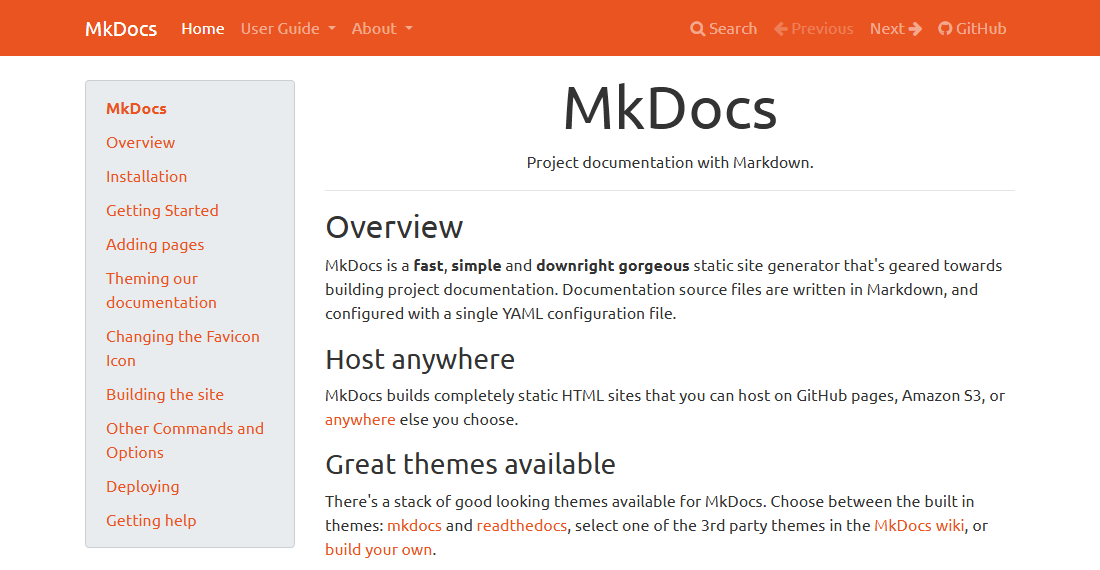
Yeti